Weddings, parties, festivals & church events

Wedding & event QR codes that look like part of the décor

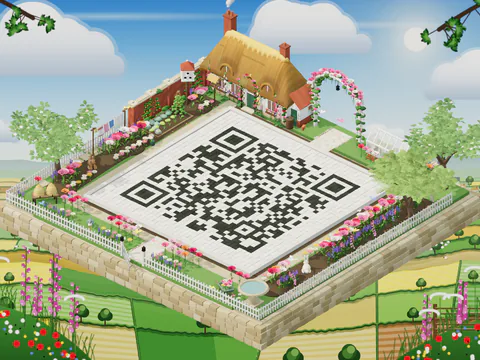
One scan adds your date to guests’ calendars, opens the RSVP form or the shared photo album, or starts a WhatsApp chat with the organiser. Set it on a 3D island that matches the theme, and print it on invitations, table cards and the welcome sign.

Make my event codeFree, no sign-up. Made in your browser.

Browse themes

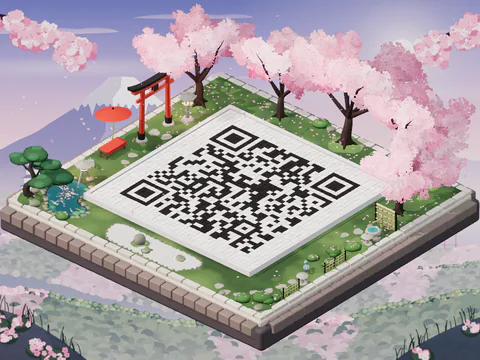
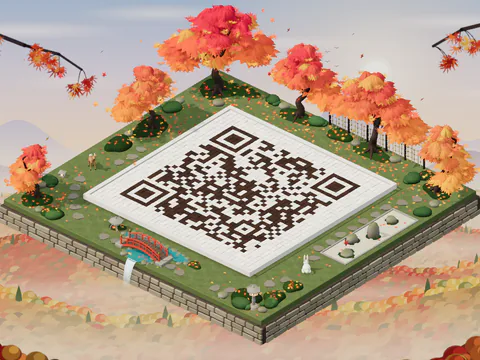
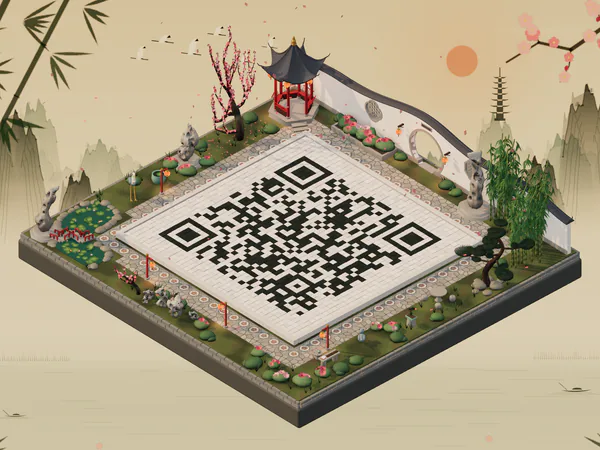
A QR code courtyard in the Sakura Night world with cherry blossom, a koi pond and lanterns
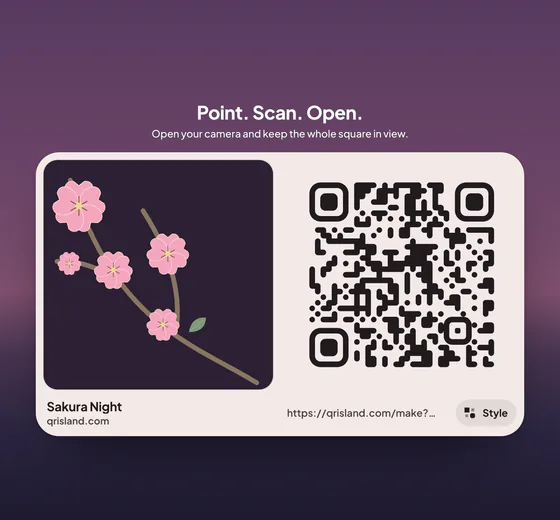
The flat, print-ready RSVP QR code on a card

Sakura Night, and the flat code for your invitations.

Made for weddings, birthday parties, festivals and street parties, church events, fundraisers, and graduations and reunions.

What your code can do

Everything guests need, one scan away

  • Add to calendar in one scan

    The Event code holds the title, place, start and end times and details. Most phones offer to add it to the calendar.

  • Link your RSVP or photo album

    Use a Link code for an RSVP form, livestream, gift list, ticket page or a shared photo album for the day.

  • Get guests to the venue

    A Location code drops a pin in the phone’s maps, handy for a beach ceremony or a party off the main road.

  • Message the organiser

    A WhatsApp code opens a chat with your number and an optional starting message, such as “RSVP for the wedding”.

  • Change plans without reprinting

    With an Editable code (US$19 a year), one printed code points to the schedule before the day and the photo album after it. Change it any time.

  • Signs for the day

    The island sign pack (a +US$4.99 add-on) gives you a poster for the entrance, flyers, a table tent, cards and stickers on US Letter or A4, plus story, post and screen pictures, in all four sign styles, all with your own headline.

How it works

From idea to invitation in three steps

  1. Fill in the details

    Choose Event and add the title, place, date and time, or choose Link for an RSVP form or album.

  2. Match the theme

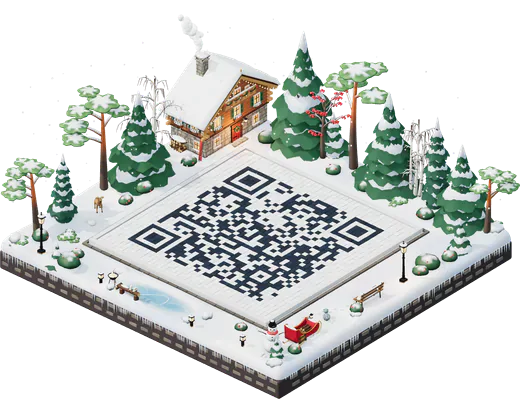
    Pick a world and colours: Sakura Night for a spring wedding, Pumpkin Patch for a Halloween party, Scholar’s Garden for a tea ceremony.

  3. Print and test

    Get the flat code, download SVG for your printer, and scan a printed proof with a few phones before the full run.

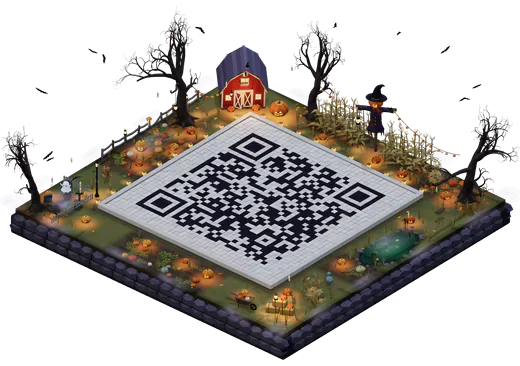
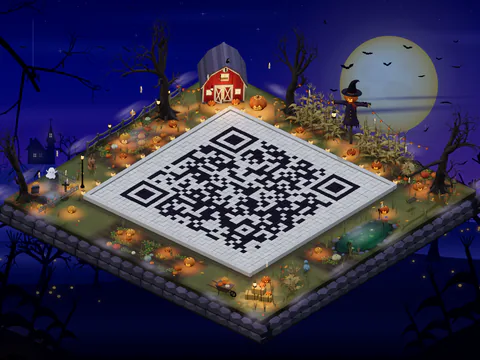
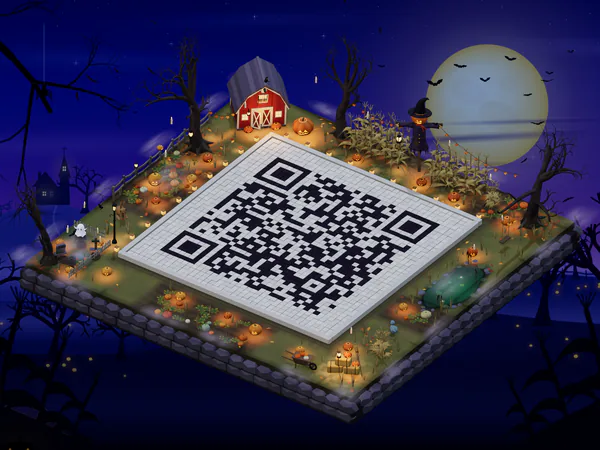
A QR code courtyard in the Pumpkin Patch world at night with glowing jack-o’-lanterns and a red barn
Pumpkin Patch by moonlightGlowing jack-o’-lanterns and a crooked barn for a Halloween party.
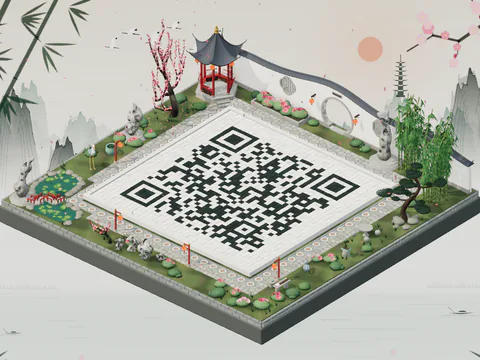
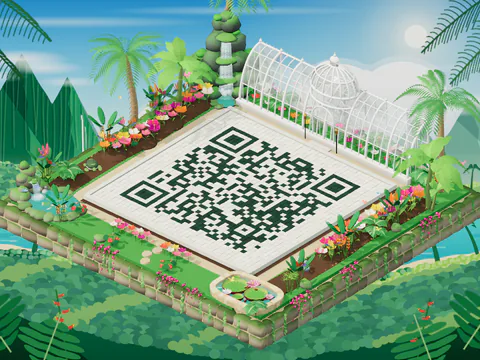
A QR code courtyard in the Scholar’s Garden with a moon gate, pavilion and lotus pond
Scholar’s GardenA moon gate, red lanterns and a lotus pond.

A Link code to your RSVP page stays simple. Event (calendar) codes hold every detail, so they’re denser: print those a little bigger.

Which one fits

Keep it free, or dress it up

For printed stationery

Island pack

For printed stationery with your monogram or logo.

US$6.99one-time

  • Your island picture in print sizes, with no mark: Large print 12 × 9 in, a portrait Poster 18 × 24 in and a Wide poster 20 × 15 in, at 300 dpi
  • A 12-second island video to share before the day
  • Your logo and styles in the print files, plus gradients and “Scan me” frames
  • Print-quality 4096 px PNG, SVG and a PDF print sheet on US Letter or A4

For links that change

Editable code

For a link you’ll change: schedule first, photos after.

US$19a year

  • Change where the printed code points, any time
  • Private scan counts: a 30-day chart of daily totals
  • The Island pack included, video and all
  • Renews every year until you cancel; cancel any time

Best for the venue

Island sign pack

Added to an Island pack or an Editable code.

+US$4.99add-on

  • All four styles in one pack, each a PDF on US Letter or A4: a poster, flyers, a table tent, cards and stickers
  • Story, post and screen pictures in each style too
  • In your island’s colours, with your own headline
  • Templates for Wi‑Fi, menus, events and “Scan me”

Choose the Event template: “Welcome!”, or write your own, like the couple’s names.

Prices in US dollars and include any sales tax. Sold by Paddle.com, our merchant of record. The studio always shows the current price before you pay. All prices

Event code FAQ

Phones, invitations, changes and photos.

More answers in the full FAQ
Will the calendar code work on guests’ phones?

Most recent phones offer to add the event to the calendar. Some scanner apps show the details as text instead. For a big crowd, a Link code to an event page is the safer choice: phones open links more consistently than calendar codes.

Can I put the code on printed invitations?

Yes. Download the SVG (or the Island pack’s print files) for your printer. Keep it at least the smallest size QR Island shows for your code (often 4–5 cm for an event), leave the white border around it, and scan a printed proof before the full run.

The date changed. Do I need to reprint?

An Event code carries the details itself, so a new date means a new code. If you expect changes, use an Editable code (US$19 a year) that links to your event page instead; you can change where it points at any time.

Can guests share their photos with it?

Yes: make a Link code to a shared album (for example Google Photos or an iCloud shared album). QR Island doesn’t store photos.

How big should it be on a poster or sign?

An event code holds the title, date, time and place, so it needs more room than a plain link: usually about 4–5 cm wide at the smallest. The size hint beside the message bar shows the smallest safe width for your code, and the free Print sheet lays it out at true sizes. For a wall, window or poster that people scan from further away, go bigger: roughly a tenth of the scanning distance works well (about 10 cm wide for 1 metre). Always test a printed proof with two different phones before printing many.

Make your event code.

Free to make, and ready in a minute. Pick a world that matches the day.