Which link to put in the code
A TikTok QR code is an ordinary web link. Which one you use decides what people see:
| To open | Use | Example |
|---|---|---|
| Your profile | Your profile address: tiktok.com, then @ and your username | https://www.tiktok.com/@qr.island |
| One video | The link from the video’s Share button, then Copy link | Often a short link; open it once in a browser to check it’s the right video |
The profile link is the safer choice for print: it stays the same as you post, and people who scan see everything you’ve made. Link to one video when the print is about that video, such as a recipe card that shows the dish being cooked.
Keep the link as short as it can be. Every extra character adds modules to the code, and a code with fewer, bigger modules prints smaller and scans faster. Leave off anything after a question mark in a copied link unless you know you need it.
The app’s own code or a printed one
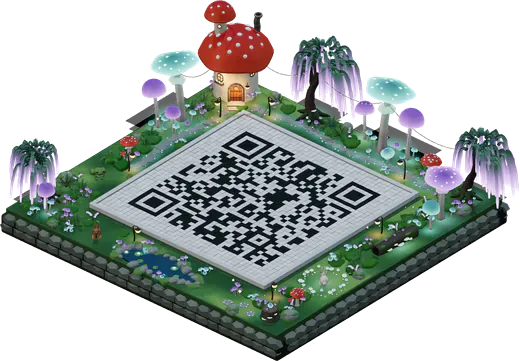
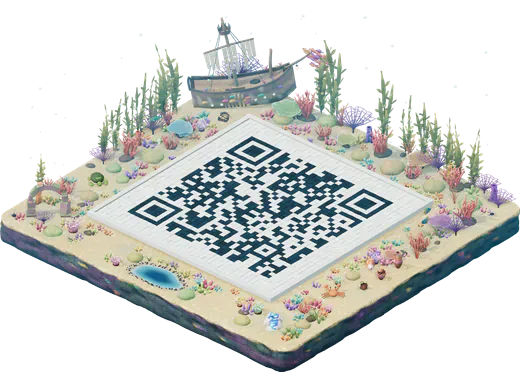
The TikTok app can show a QR code for your profile, which is handy when someone is standing next to you. For print, a code you make from your profile link gives you control of the file: its size, its colours, a vector file for the printer, your logo in the middle, and a world around it if you want the 3D island. It also lets you decide later whether it should be a free code or one you can repoint.
What happens when someone scans it
On a phone with TikTok installed, a tiktok.com link usually opens in the app. Without the app, it opens in the browser, which may suggest installing it. Test both: scan your printed proof with a phone that has TikTok and one that doesn’t, and check the right profile or video appears.
If you ever change your @username, a profile link with the old name stops leading to you. If a name change is likely, make the code an Editable code (below), or plan to reprint: a new free code takes a minute.
Where a TikTok code earns its place
- Shop windows and counters: “See how we make it” for a bakery, a barber or a florist. About 10 cm wide for a counter sign read from a metre.
- Product packaging and swing tags: a code that opens the video about that product. Our guide to QR codes on packaging covers small labels and curved jars.
- Market stalls and pop-ups: a code on the banner for people who want to follow you after they’ve walked on.
- Business cards and flyers: 2.5–3 cm is enough for a short profile link on a card.
- Event backdrops and photo walls: big enough to scan from where people stand, roughly a tenth of the distance.
Pointing it at your newest video
A free code always opens the same link. If the poster in your window should open whatever you posted this week, use an Editable code (US$19 a year): the printed code holds a short link that you point at a new video whenever you like, from a private manage link, and you see how many people scanned it each day. See the dynamic QR code generator page for how it works.
How to make it
- Copy your link from TikTok: your profile address, or a video’s Share, then Copy link.
- Open the studio and paste it into the message bar (Link is selected first).
- Pick a world and style the code; add your profile picture or logo in Style if you like.
- Press Get QR code and download PNG or SVG, or save the island picture for a post.
- Scan a printed proof on a phone with TikTok and one without.